TAKE 015s / 16:9
A different kind of duo
A different pairing brings a fresh dynamic to the booth in this five-second take.
TWO PHOTOS. ONE STAGE.
Turn two photos into an orange-booth rap duo with Hotel Lobby AI—the video trend also known as Migos AI. Choose a 5, 10, or 15-second clip. Keep the original reference audio or create a silent video. No prompt needed.
Reference demonstration · Your photos generate a separate result
THE CASTING ROOM
Choose one clear front-facing photo for each performer.
Keep the original reference audio. Uncheck to generate a silent video.
Submitted tasks are saved to your account. Videos are available for 30 days after completion. View History ↗
Your duo. This stage.
Orange booth · Two performers · One hanging mic
THE POSSIBILITIES
Best friends. Your partner. An unexpected pairing. Hotel Lobby AI starts with who you put on stage, with their permission.
Input photos
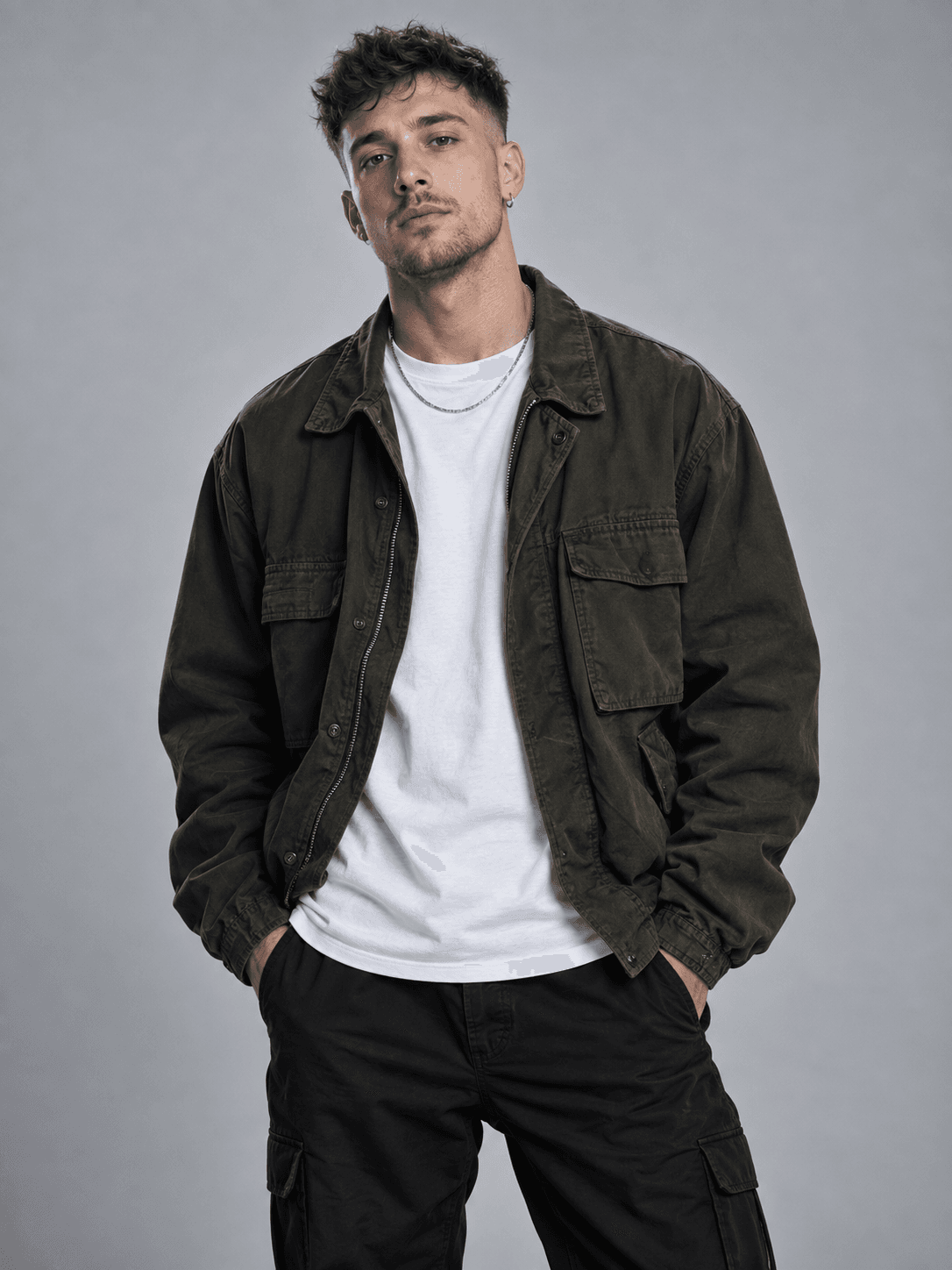
Left performer
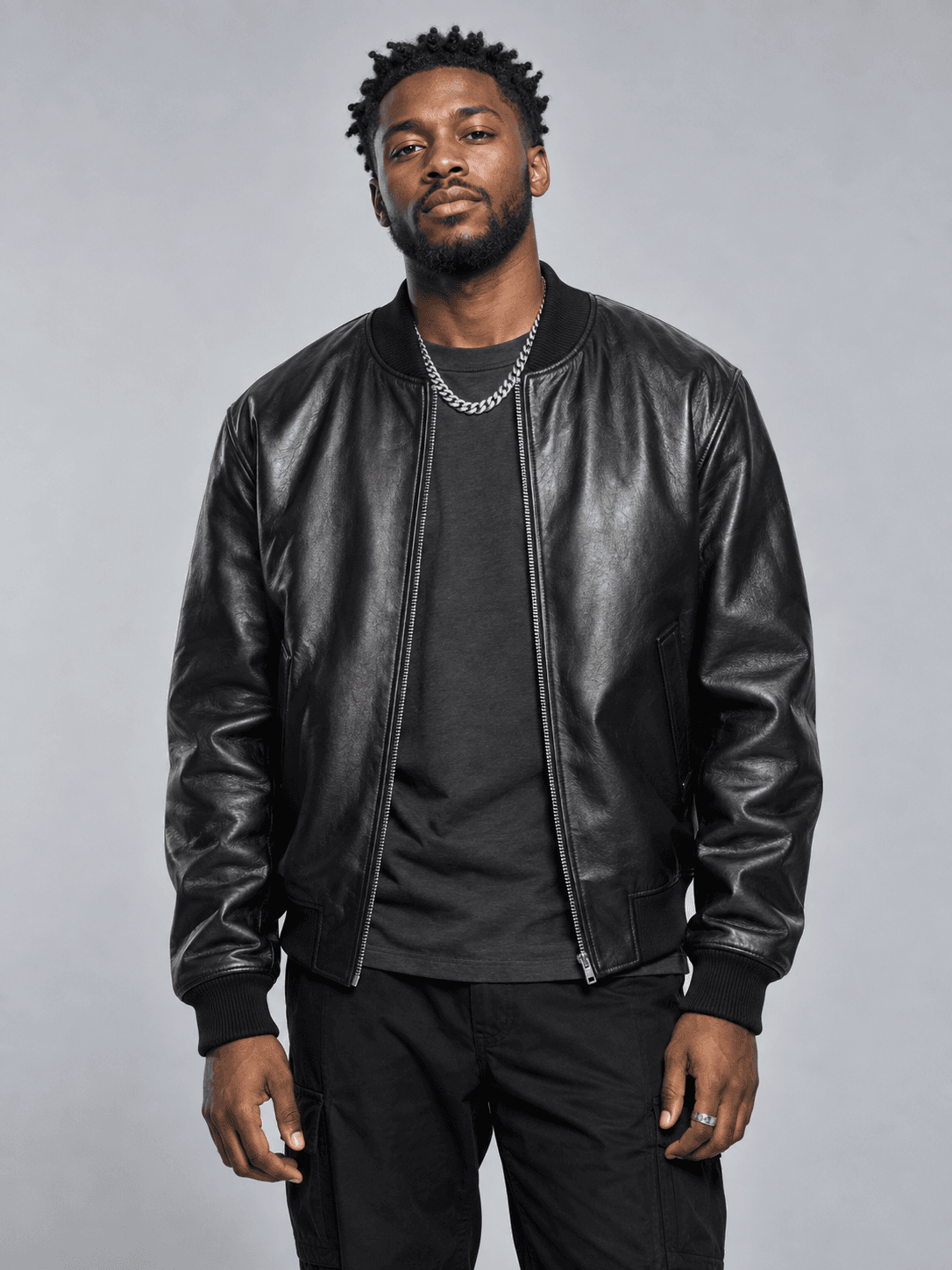
Right performer
Generated result
15s · 16:9 · 720p · MP4 · Original reference audio
A different pairing brings a fresh dynamic to the booth in this five-second take.
A short Hotel Lobby AI take, with two distinct personalities sharing the same orange stage.
WORKFLOW
Your inputs, settings, credit costs and download details, together in four steps.
YOUR PHOTOS
Choose one clear photo of a consenting adult for each performer. Preview, replace and swap the photos for free.
FRAME, LENGTH & AUDIO
The orange booth, two performers and hanging microphone are built in. Choose your framing and length. No prompt needed.
CONFIRM & GENERATE
Use a verified account, confirm photo permission and consent, then submit with purchased credits. Once accepted, your task stays in History while you are away.
KEEP YOUR RESULT
Download your MP4 from History within 30 days of completion. The verified example is 720p; appearance, movement and positions can vary.
THE TOOLS BEHIND THE TAKE
A familiar stage with space for your own choices. Everything you need to cast, frame and keep your next performance.
Bring separate portraits together in one Hotel Lobby AI performance. Try a pairing with a friend or partner who has agreed to take part.
The orange booth and suspended microphone give Hotel Lobby AI its familiar setting. Your photos guide the cast; generated results may vary.
Swap the left and right photos before creating your Hotel Lobby AI video. Position assignments guide the model, though exact placement can vary.
Choose your length: 5s / 20 credits · 10s / 40 credits · 15s / 60 credits. Keep the original reference audio or turn it off for a silent video.
Select portrait, landscape, square or Auto for your video. Pick the framing that suits where you plan to share it.
Submitted Hotel Lobby AI tasks are saved to your account. Return to History when your video is ready and download it within 30 days of completion.
BUILT AROUND YOUR DUO
Hotel Lobby AI keeps the setup focused, so you can spend more time imagining who belongs on stage together.
Explore Hotel Lobby AILESS FRICTION. MORE CHEMISTRY.
The scene is built in. Upload two photos, choose your settings, and generate without writing a prompt or editing a timeline.
Choose portrait, landscape, square or Auto framing to suit where you plan to share your video.
Buy credits with a one-time payment and no subscription. The studio shows the cost of your selected duration before you submit.
Once accepted, your task stays in your account. Return to History to check progress and download within 30 days of completion.
THE HOTEL LOBBY AI FORMAT
Hotel Lobby AI is a two-person video format with an orange booth and a suspended microphone. This format is also searched for as Migos AI or AI rap duo. Hot AI Video turns your two separate photos into a new performance in that setting, with optional reference audio. It is an independent creative tool, not an official artist product.
Make a performance with adults who consent to being depicted. Label shared results as AI-generated. Do not impersonate someone or present a generated performance as a real recording.
A CLOSER LOOK
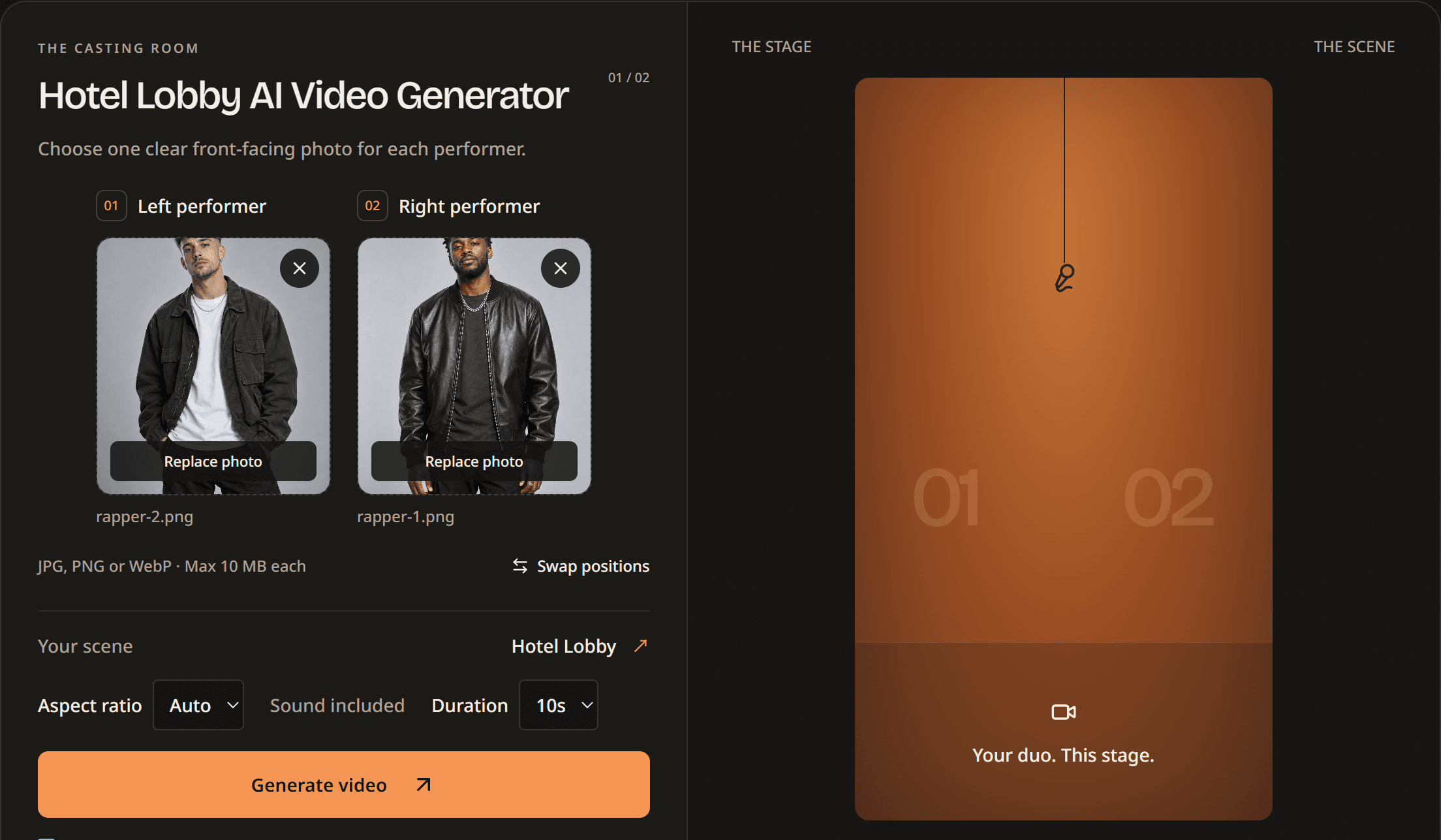
FEATURED GUIDE · 4 STEPS
See two input photos and their real output. Follow four steps to choose your framing, duration and audio, generate, and save your MP4.
MORE TIME ON STAGE
Pay once. Make your duo. Every purchase gives you credits valid for 12 months. No subscription.
$9.99one-time
120 credits · 30 seconds of video
$29.99one-time
480 credits · 120 seconds of video
Mix 5, 10 and 15-second videos. Counts above assume all credits are used for one duration.
Each purchase expires separately. Failed generations return credits with their original expiry. Sign-up and sign-in do not include free credits.
Prices are in USD. Applicable taxes are shown at checkout.
Request a full refund within 7 days of purchase if that entire credit pack is unused. Used credits are generally non-refundable. Statutory consumer rights remain available. Refund details · support@hotaivideo.net
BEFORE YOU STEP IN
Hotel Lobby AI Video is the two-person video generator offered by Hot AI Video. It turns two separate photos of consenting adults into an AI-generated performance in an orange-booth setting. Photo setup is public. Sign in and use purchased credits to generate a video.
This orange-booth, two-person AI video format is also searched for as Migos AI or AI rap duo. Hot AI Video lets you create that format from your own two photos. It is independent and not affiliated with Migos, the performers, or the original show. Generated performances are creative interpretations, not real recordings.
Yes. Upload one photo for the left performer and one for the right. You can replace either photo or swap their positions before generating. Use clear photos of consenting adults; exact likeness and placement can vary.
Keep Audio is checked by default and preserves the original audio from the reference video. Uncheck it before generating to create a silent video. Custom song uploads are not supported.
Photo selection, local photo previews and swapping are free and need no account. Generating a video requires a verified account and purchased credits. There is no free video generation or generated-video preview; sign-up and sign-in do not include free credits.
No. Hot AI Video runs in your browser with a built-in Hotel Lobby scene. Upload two photos, choose framing, duration and Keep Audio, then generate. No separate app, downloaded template, filter or prompt is required.
Choose one well-lit, clearly visible adult per image. JPG / PNG / WebP · Up to 10 MB each · At least 300×300 pixels. Width-to-height ratio must be between 0.4 and 2.5. Only use images you own or have permission to use. This workflow is for adult portraits, not pets.
5s / 20 credits · 10s / 40 credits · 15s / 60 credits. Framing options: Auto / 16:9 landscape / 9:16 portrait / 1:1 square. Download your MP4 from History within 30 days of completion. The verified example is 720p; appearance, movement and positions can vary. Audio is retained by default and can be turned off before generation.
Time varies with the provider queue, generation and content checks. Follow the progress in the studio or return to History after the task is accepted. A queued or processing task is still running; do not submit again just because it is taking longer.
Check the studio message or History. Failed generations return eligible credits with their original expiry. Pending or uncertain tasks may still be processing; check the existing task before retrying. Contact support for restricted results or persistent problems. Credit returns are separate from cash refunds.
Hotel Lobby AI Video uses Kling O3 Reference Standard, provided through fal. The model uses a reference video and your two photos to guide the performance. Generated appearance and positions can vary; the result is a creative interpretation, not a real recording.
To use Hotel Lobby AI, you must be 18 or older, have permission to use both images, and have the consent of every depicted adult for AI video generation. Before generating, confirm that you agree to the Terms, Privacy Policy and Acceptable Use Policy using the links below the Generate video button.
Yes. Add both photos to the Hotel Lobby AI studio, then use Swap positions before generating. These assignments guide the model, although exact positions in the result can vary.
Selecting photos in the Hotel Lobby AI studio lets you preview them locally before generation. Your photos are checked for NSFW content before video generation. See the Privacy Policy for details on how uploaded photos are handled.
Hotel Lobby AI uses purchased credits: Basic gives you 120 credits for $9.99, and PRO gives you 480 credits for $29.99. Both are one-time purchases with no subscription; a 5-second video costs 20 credits, a 10-second video costs 40 credits, a 15-second video costs 60 credits. Each purchase is valid for 12 months, and credits expiring soonest are used first. Failed generations return credits with their original expiry. Sign-up and sign-in do not include free credits.
Request a full refund within 7 days of purchase if that entire credit pack is unused. Used credits are generally non-refundable. Statutory consumer rights remain available.
Yes. Once your Hotel Lobby AI task has been submitted, it is saved to your account. Return to History to check progress and view the result. Completed videos are available for 30 days after completion; download any you want to keep longer.
YOUR CAST. YOUR CHEMISTRY.
Explore the Hotel Lobby AI photo setup without an account. Sign in and use credits when you’re ready to generate.
Product information maintained by Hot AI Video. Updated .